 When TimeControl first got started in 1994, we responded to the most common demands for project-oriented timesheets. The first couple of versions of TimeControl had only weekly timesheets.
How far we’ve come. TimeControl timesheets can now be configured into multiple categories of periods including a daily timesheet.
In 2009, at the request of numerous clients, we introduced a new concept in entering timesheets, the Crew Timesheet. A Crew Timesheet contains all the same elements of the standard timesheet except that each line can not only be associated to a project and charge code, it can also be associated to an individual employee. A team leader or supervisor or perhaps an after-shift clerk would enter the time on behalf of those employees who, themselves, would never interact directly with TimeControl.
The crew timesheets, like the regular timesheet could be defined as a weekly timesheet, a monthly timesheet or, more likely in this case, a daily timesheet. We added more capabilities to allow multiple entries for a crew on a given day as there might be a day shift and night shift or split shift where people would leave work and then return.
To make entry easier and faster, we created entry wizards where a supervisor could click on a number of crew members and add hours for all of them at once for a given task or tasks.
This was the core of TimeControl Industrial which we make available both for on-premise use and as TimeControl Industrial Online for subscription in the cloud.
This alone is a massive differentiator but there’s more.
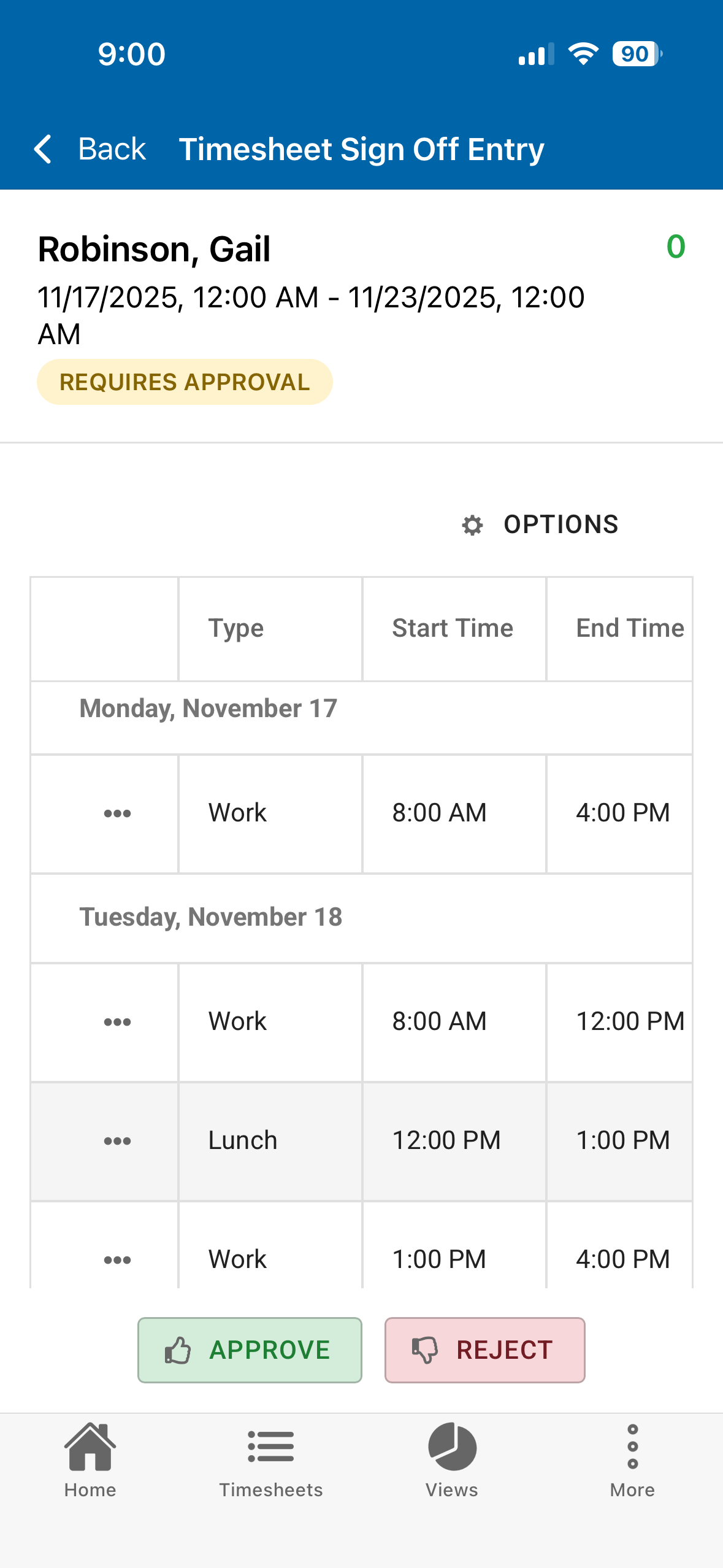
In 2019, we added the Crew Timesheet and other TimeControl Industrial features to the free TimeControl Mobile app and, for the first time provided true field-data-collection. Now supervisors could work remotely, carrying only a tablet and add hours their team were working on while still in the field. TimeControl Industrial is in use in engineering, construction, and shutdown-turnaround work all over the world.
There is so much more to TimeControl Industrial including Material, Equipment and Progress entry, Extended Rate and Extended Material Rate support and more. But it all started with the Crew timesheet.
You can find out more at industrial.timecontrol.com.


 We are proud to announce that TimeControl has been awarded the Timesheet Innovation and Excellence Award for 2026 by Business Fortune Magazine.
 This is a project that HMS has been working on since last November and on October 14th after 11 months of waiting, it is finally coming to fruition.


 We’re delighted to see TimeControl featured in an article by XRaised this month. The article is available for access via LinkedIn on the XRaised blog.
 We are delighted to find TimeControl at the top of these internet Best in their Class lists:


 With the imminent decommissioning of Microsoft Project Online, we have been approached by numerous companies asking if we are able to save their Project Online timesheet and associated project and task data. It is perhaps to be expected as HMS is a company which has had a link to Project Online since its creation and has had links to every version of Microsoft Project since 1985.
 TimeControl handles this business challenge with a function called Autofill. Autofill allows a default schedule to be applied to any employees who might not fill in a timesheet except by exception. Then, if an exception is found, Autofill enters only enough hours to cover the missing entry.
 The result is a timesheet for every employee that is completely filled out with the default number of hours accounted for. Just as in all of TimeControl, the source of the automatic entries is recorded for auditing purposes.
You must be logged in to post a comment.